Remove silence
From audio and video, free in your browser. Nothing is uploaded.
Spoken sample, 5 pauses
Sample shown. Choose a file to clean your own.
- Before
- 17.0 s
- After
- 9.0 s
- Cut
- 8.0 s 47%
Three settings decide every cut
- Silence below
- Quieter than this counts as silence. It starts from your recording’s noise floor.
- Shortest pause
- Shorter gaps stay, so breaths are left alone.
- Keep around speech
- A margin around each word, so no consonant is clipped.
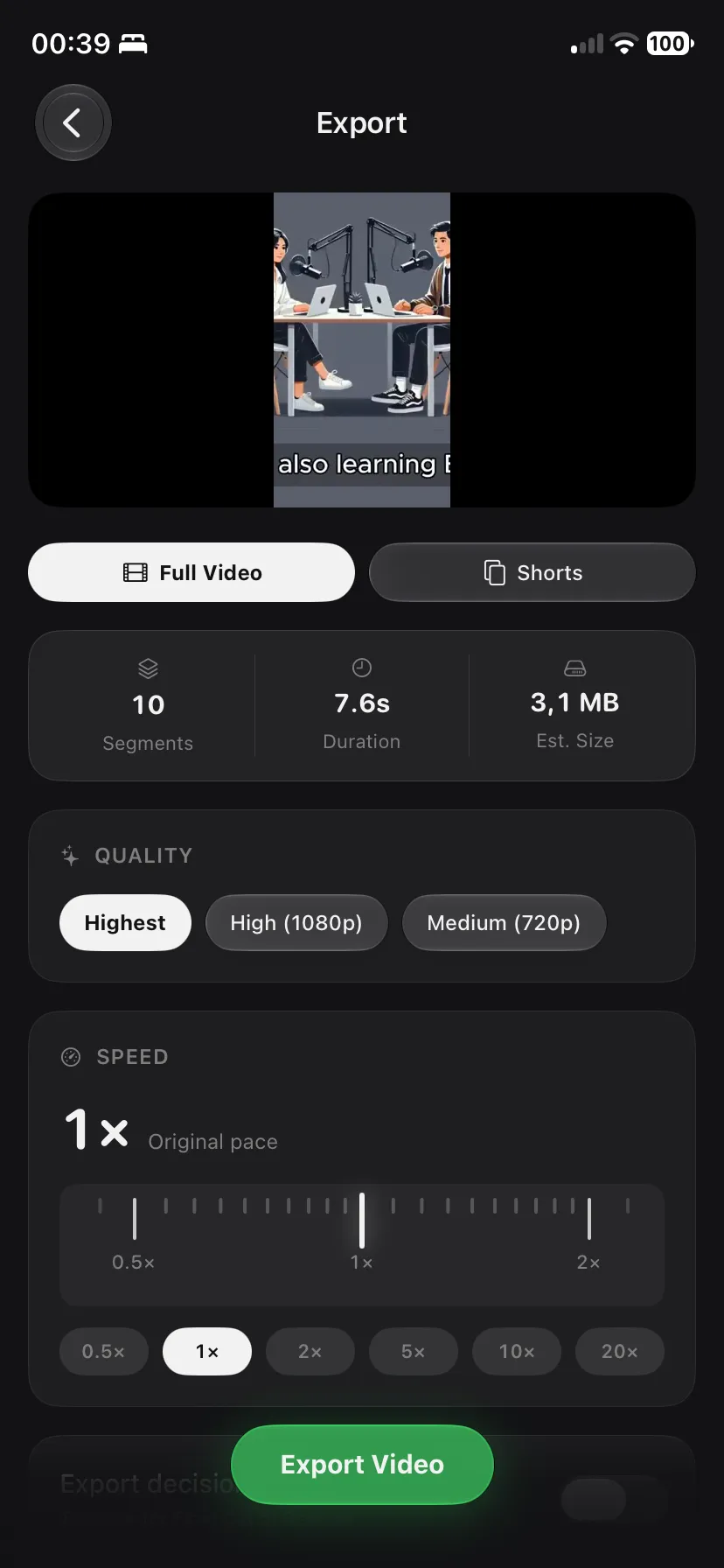
QuellCut cuts the video too
The iPhone and iPad app. Everything runs on the device.
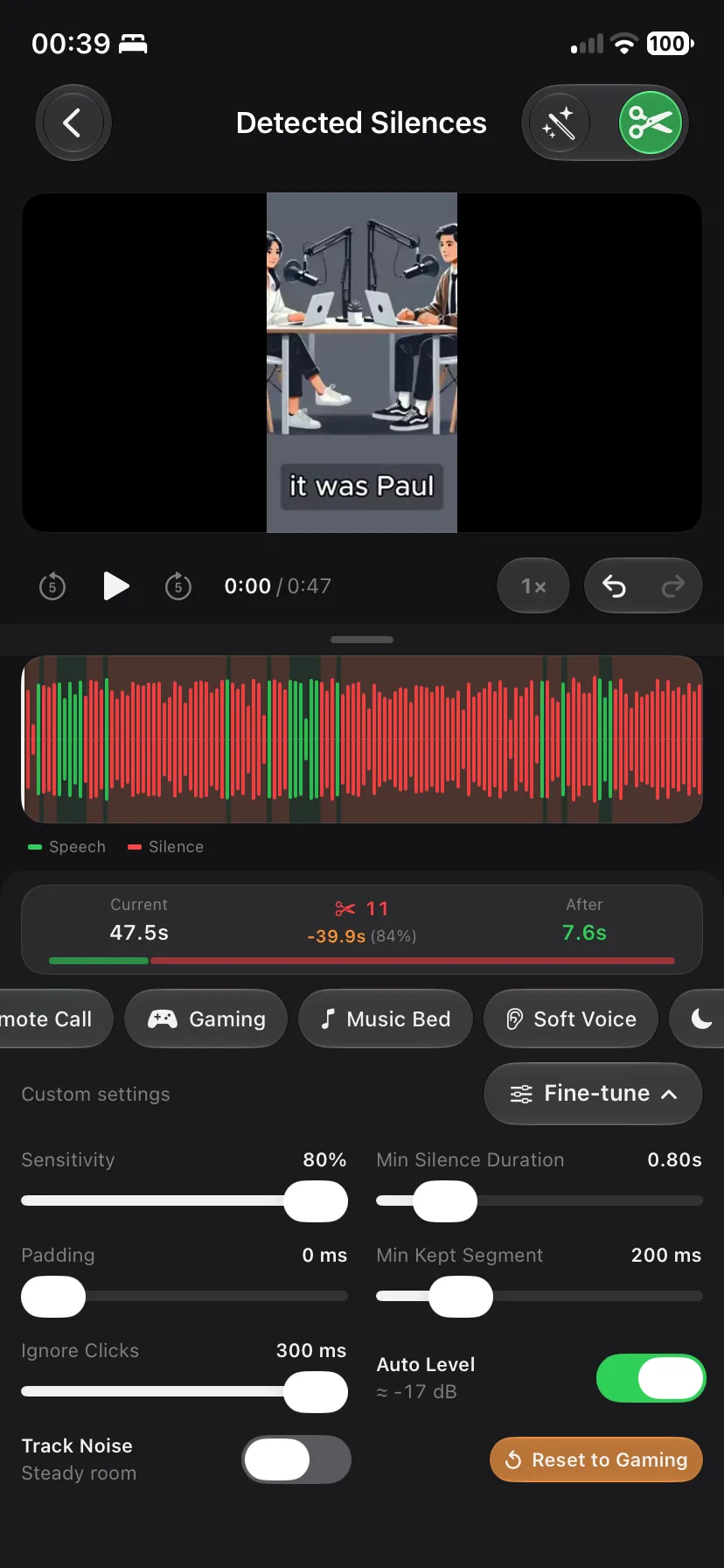
Every pause, found
Presets for podcasts, interviews, vlogs and tutorials, or your own threshold.
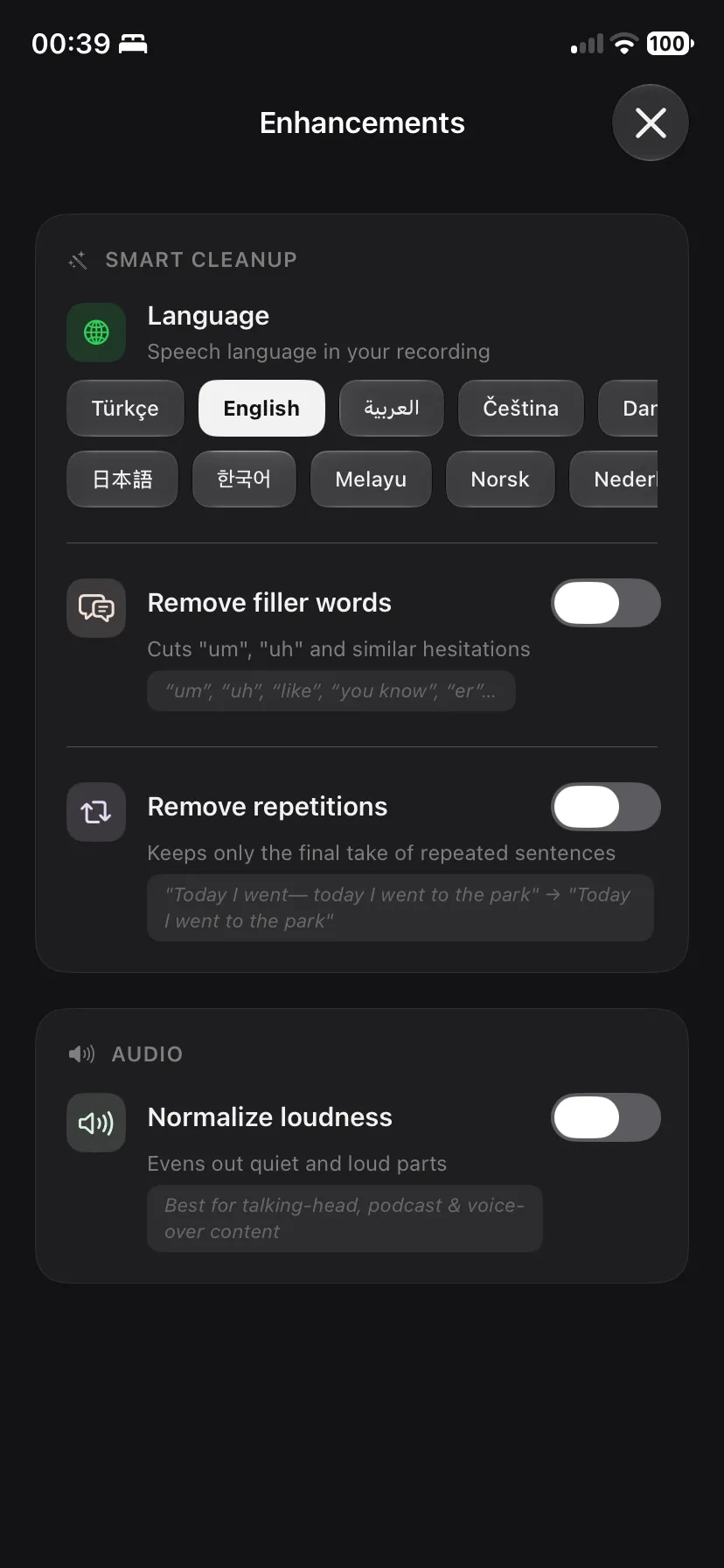
Ums and uhs, gone
Filler words and repeated takes are found with Apple speech recognition.
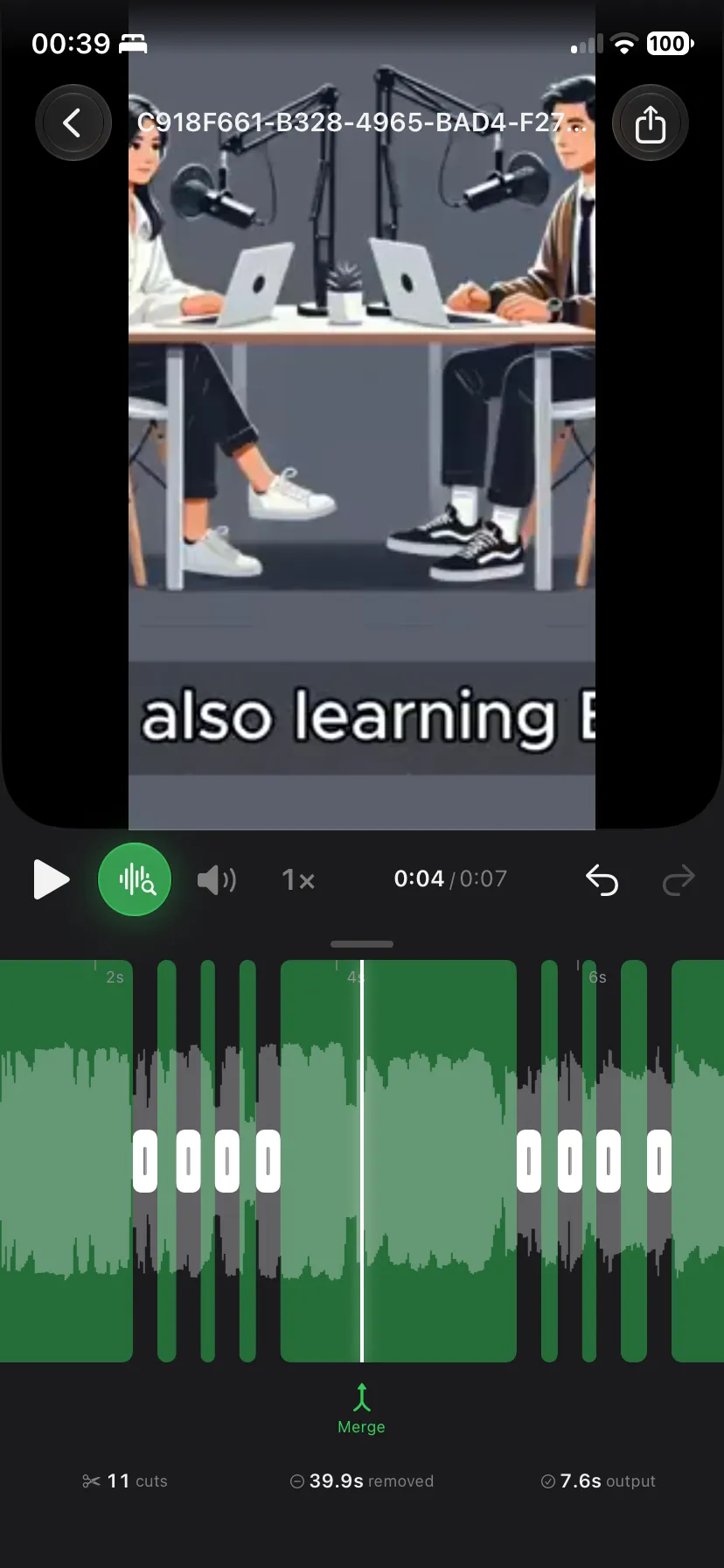
Each cut on a timeline
Toggle, pad or trim any cut before you export.
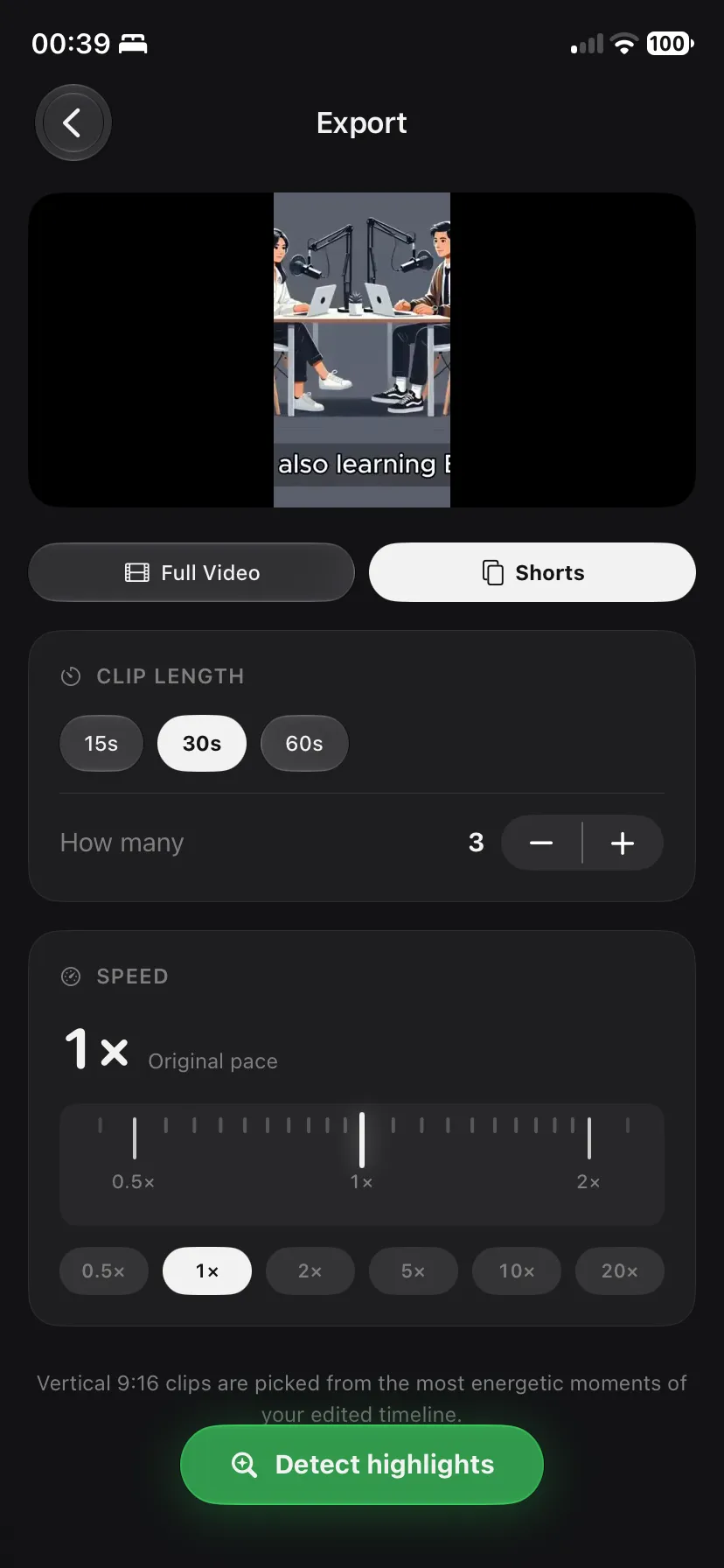
Clips for Shorts and Reels
Vertical 9:16 clips from the strongest moments, 15 to 60 seconds.
This page or the app
| Feature | This page | QuellCut |
|---|---|---|
| Silence removal | Yes | Yes, with presets |
| What you get back | Cleaned audio as WAV | Cut video, Shorts, M4A or WAV |
| Filler words and repeats | No | Yes |
| Recording length | Files up to 400 MB | 30 seconds to 24 hours |
| Price | Free | 3 free exports a month, Pro for unlimited |
Questions
- Is my file uploaded?
- No. Your browser decodes the file and the cut is built on your device.
- Which files work?
- MP3, WAV, M4A, AAC, and the sound of most MP4 and MOV videos, in current browsers.
- Why a WAV file?
- WAV keeps the audio exactly as cut, with no second compression. Every editor accepts it.
Cut the video, not only the sound
QuellCut exports the full video or vertical Shorts.